
PhaseWare Tracker Suite
Software for managing customer service and support - for all phases of the process.
The PhaseWare Tracker Suite works in conjunction to create a fast, secure, and dependable solution to a large number of customer support issues. With PhaseWare at your command, your business will offer legendary support.
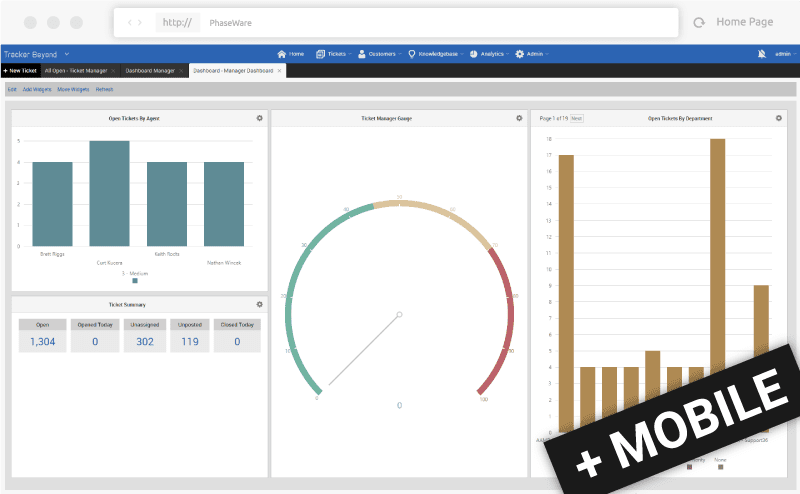
Tracker
Tracker is a complete customer support solution that can be tailored to your specifications. Be it issue tracking, complaint management, CRM, time tracking, SLA compliance, process management, knowledge management, and more.

E-mail Integration
Create tickets from Outlook emails, send email notifications, and automate your support process.

Visual Reporting
Design and run reports, set up and view Dashboards, track using audit trails, run billing, and much more.

Knowledge Base
Manage a limitless internal/external knowledge base of solutions, FAQs, downloads, forums, and notices.

Live Chat
Create tickets directly from chat sessions via integration with the incident management system.
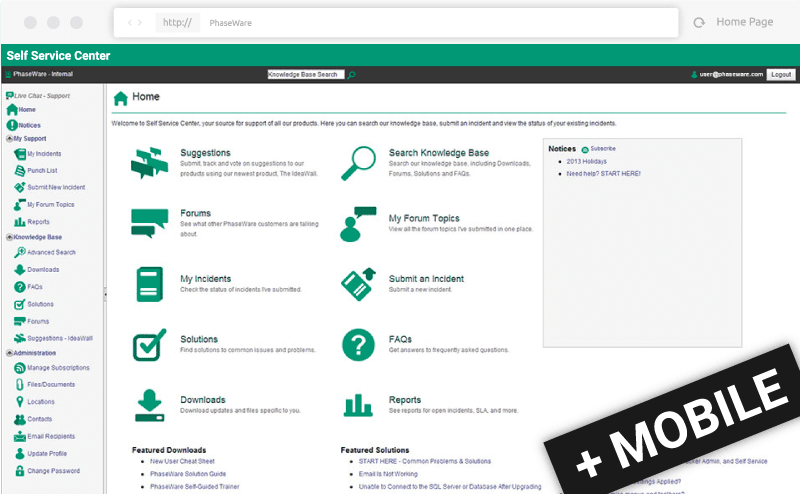
Self Service Center
PhaseWare’s SSC allows customers to submit tickets and search a knowledge base of FAQs, solutions, downloads, and forums to resolve their own issues. Customer's demand customer support that is available 24/7/365 and SSC delivers.

Engage
Engage customers and offer peer support through forums and communities.

Search
Search: knowledge base, solutions, downloads, forums, notices and FAQs.

Receive
Receive customized notifications regarding incident status and resolution.
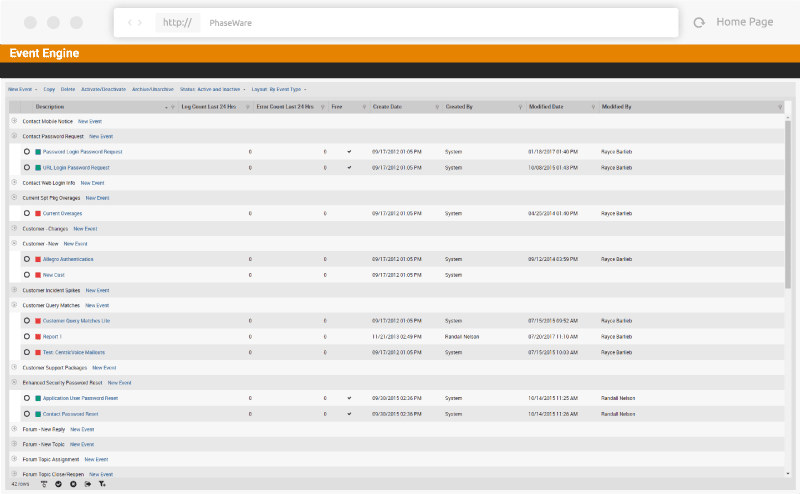
Event Engine
PhaseWare's Event Engine is a powerful business rules engine for complex service and support delivery environments. This tool allows you to fully automate and further customize your PhaseWare experience.

Automate Everything
Automatically initiate actions based on customized thresholds and predefined business rules.

SLA Support
Decrease or eliminate SLA violations with highly configurable SLA controls within the Event Engine product.
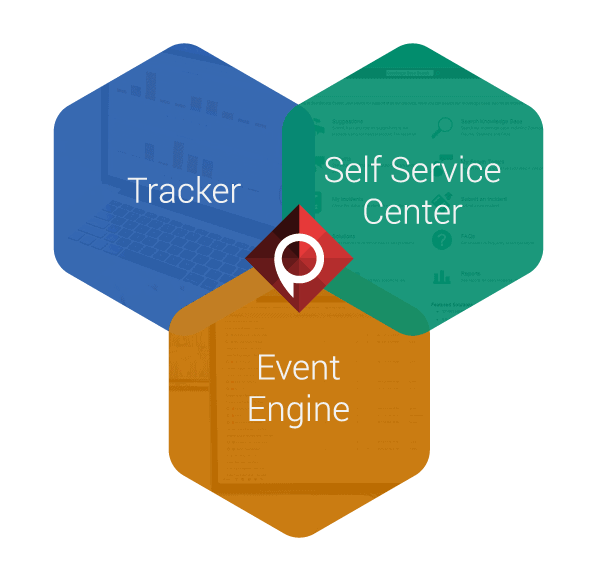
PhaseWare Tracker Suite features work together to create a completely configurable solution. Tracker and the Self Service Center are automated using the Event Engine to create a proactive customer support system for medium to large sized businesses.
PhaseWare offers a variety of deployment options. Go hands-off with our cloud based solution. If your needs include rigorous security standards, ask us about our Secure Cloud deployment option. If you need control over your data, our on-site deployment is what you're looking for.
Our Deployment Options

PhaseWare Cloud
Host with PhaseWare and we will set everything up for you, monitor your database, and perform routine backups.
- No management required by your business
- Routine backups to keep your data safe
- Quick product updates with the latest features
- and more...

PhaseWare Secure Cloud
Our single-tenant, secure cloud option is both HIPPA compliant and HITRUST certified. Active monitoring will keep your customer data secure through every level of the stack.
- Folder-level data encryption
- Network and server level security
- Application level security
- and more...

On-Site
Install the full-featured Tracker application(s) on your own server(s). We will assist you every step of the way.
- Set up the Tracker Suite on your own Servers
- Complete control over your data
Sales and Info.:
469-649-8825
info@phaseware.com
Support:
469-649-8825
Self Service Center
PhaseWare
1700 N. Redbud Blvd, Suite 190
McKinney, Texas 75069